EX5 installation
Install the Trading Solutions EA
- Download
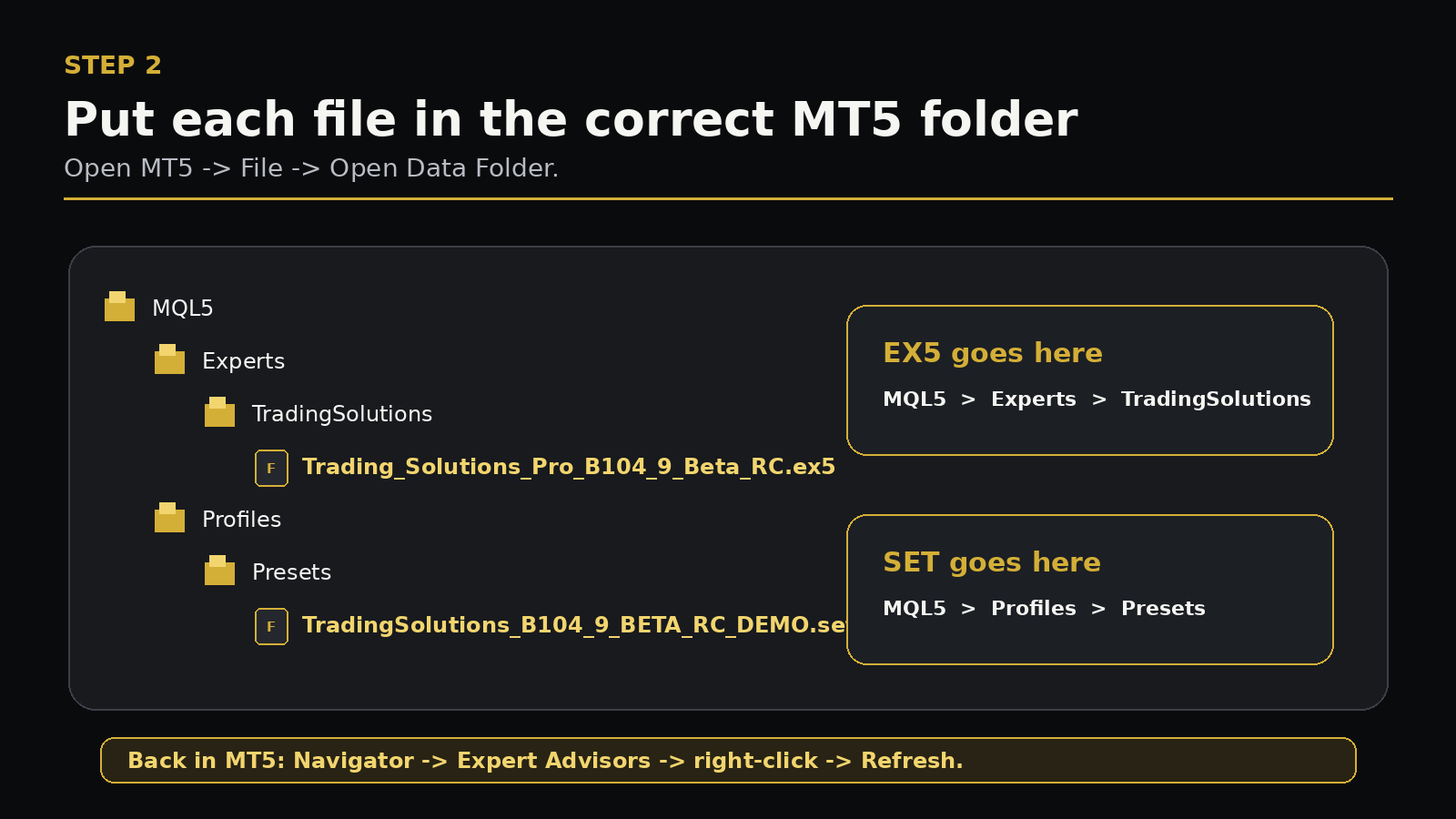
Trading_Solutions_Pro_B104_9_Beta_RC.ex5from your customer account. - In MT5 choose File -> Open Data Folder.
- Open
MQL5, thenExperts. - Create/open a folder named
TradingSolutions. - Copy the EX5 into that folder.
- Return to MT5. In Navigator, right-click Expert Advisors and choose Refresh.
- Confirm Trading Solutions appears in Navigator.
Do not place the EX5 inside Indicators, Scripts or the main Windows Program Files folder.