MetaTrader 5
Prepare MetaTrader 5
- Download the Windows desktop version of MetaTrader 5 from your broker.
- Install MT5 and choose File -> Login to Trade Account.
- Enter your trading account, password and the correct broker server.
- Confirm prices are moving in Market Watch.
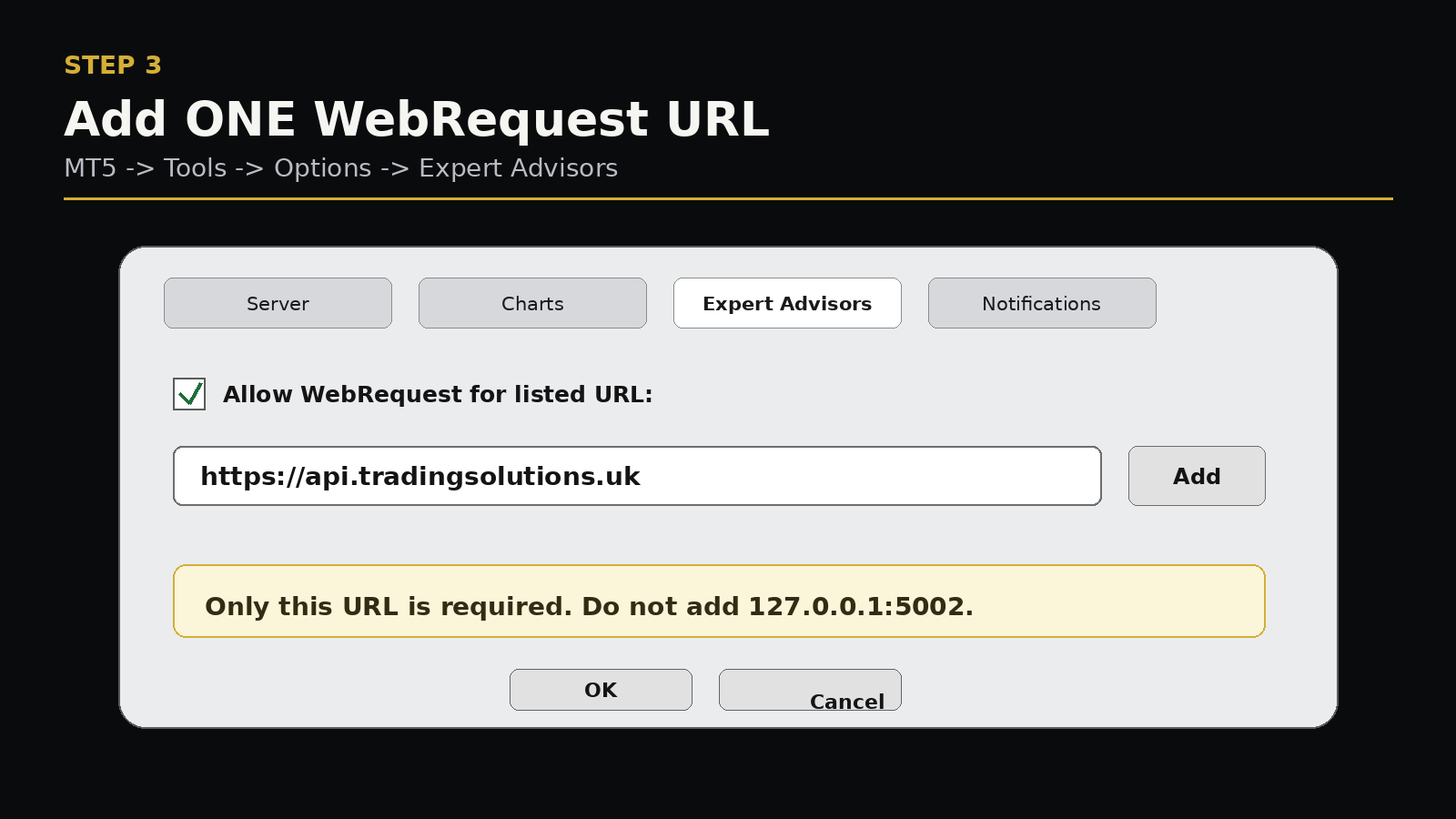
- Choose Tools -> Options -> Expert Advisors.
- Tick Allow WebRequest for listed URL.
- Add only
https://api.tradingsolutions.ukand click OK.
Important: Trading Solutions runs inside Windows MT5. It does not run directly inside the iPhone or Android MT5 app.