Production settings
Load your personalised SET
- Download
TradingSolutions_B104_9_BETA_RC_DEMO.setwhile signed into your customer account. - Your licence key is inserted into this downloaded SET automatically.
- Copy the SET to
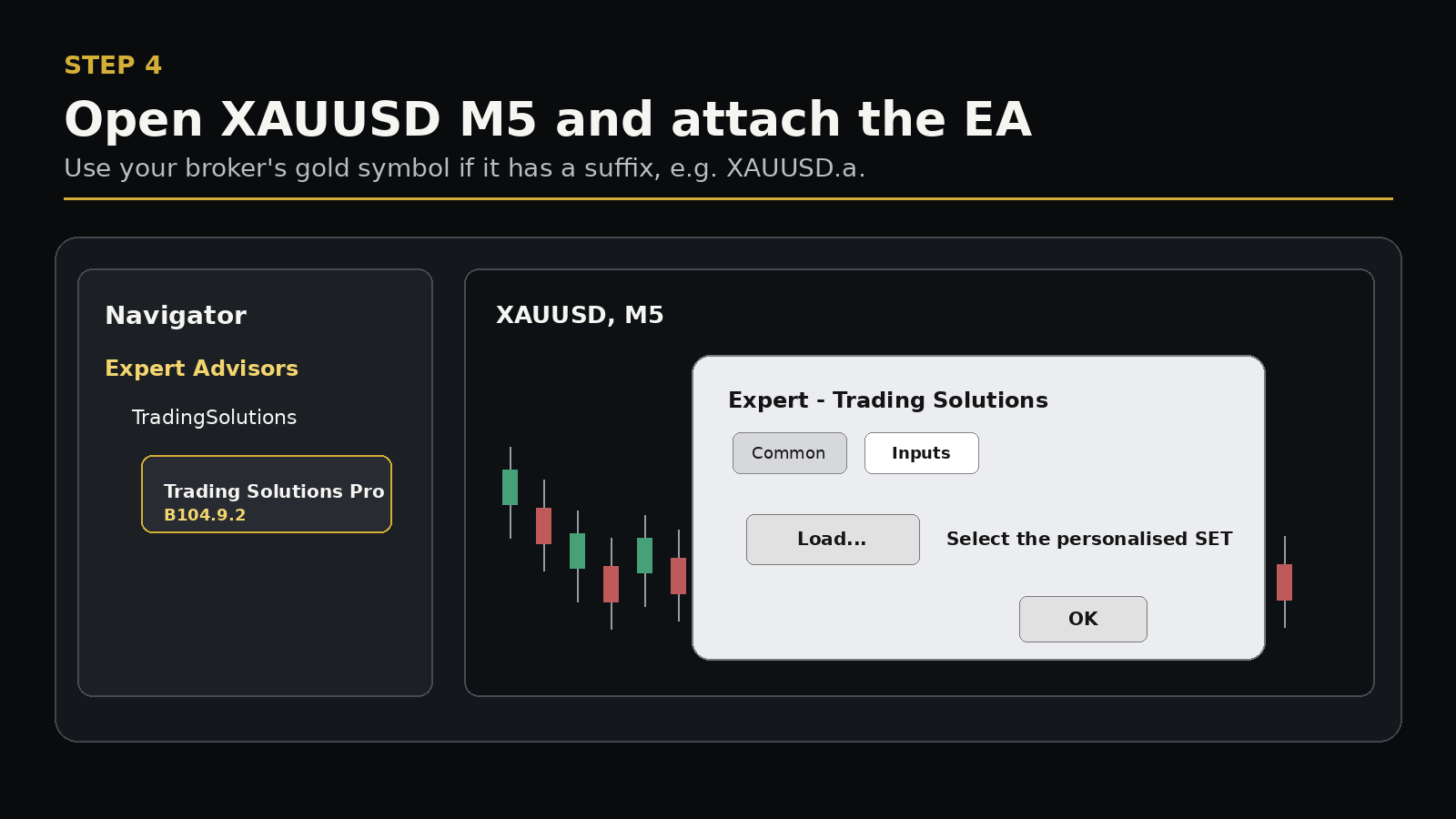
MQL5\Profiles\Presets. - Open your broker's gold symbol on the M5 timeframe.
- Drag Trading Solutions from Navigator onto the chart.
- Open the Inputs tab and click Load.
- Select the personalised SET and click OK.
Do not manually type a licence key when using the personalised SET downloaded from your account.